ScanSpeeder Alternative
Scan stacks of photos, and everything else too
Like ScanSpeeder, VueScan finds and crops each photo on your flatbed. It also includes its own drivers for over 8000 scanners and handles film, slides and documents.
VueScan 9.8.59 · September 26, 2026 · macOS 10.13–macOS 27 Universal Download VueScan for other operating systems or older versions
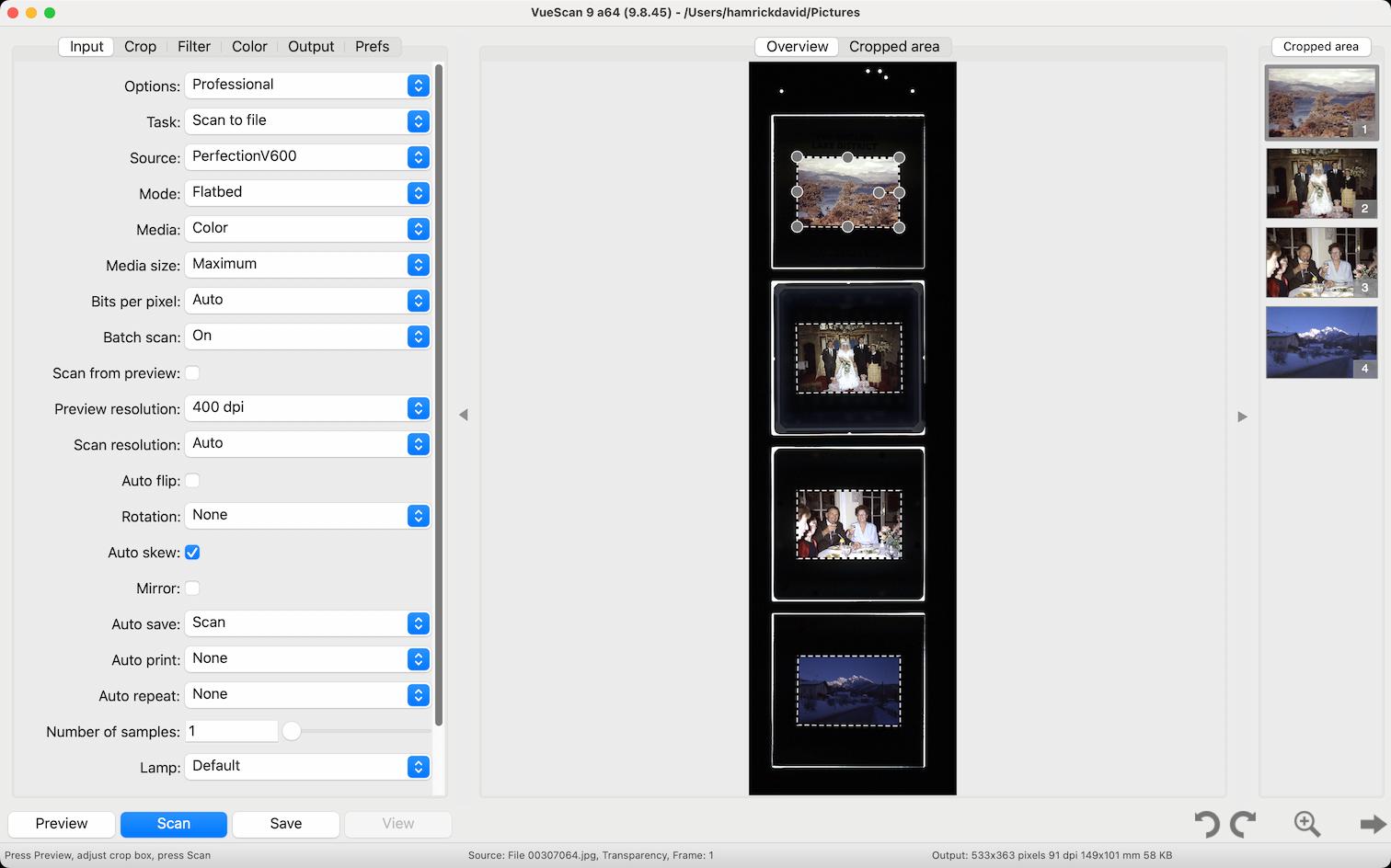
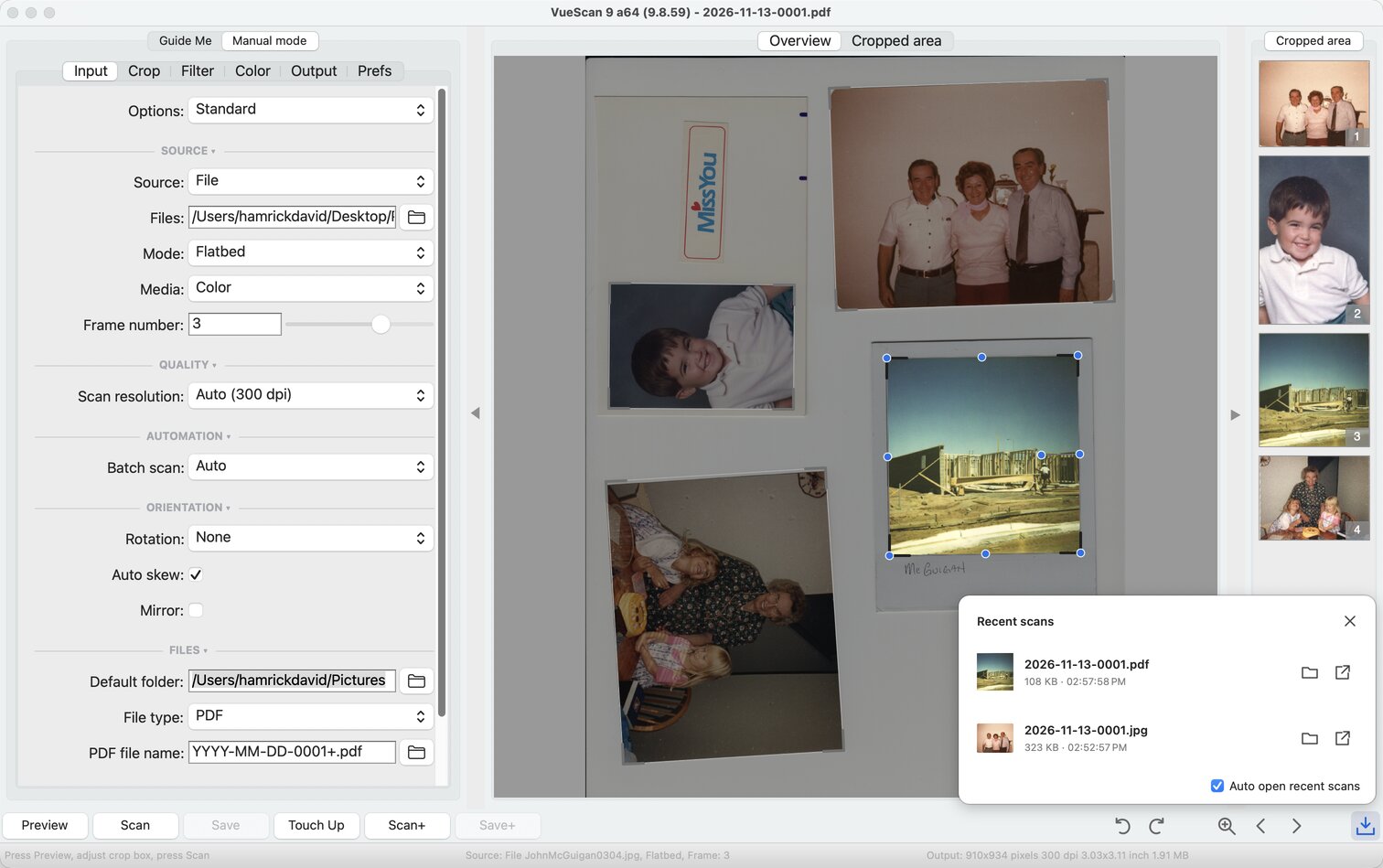
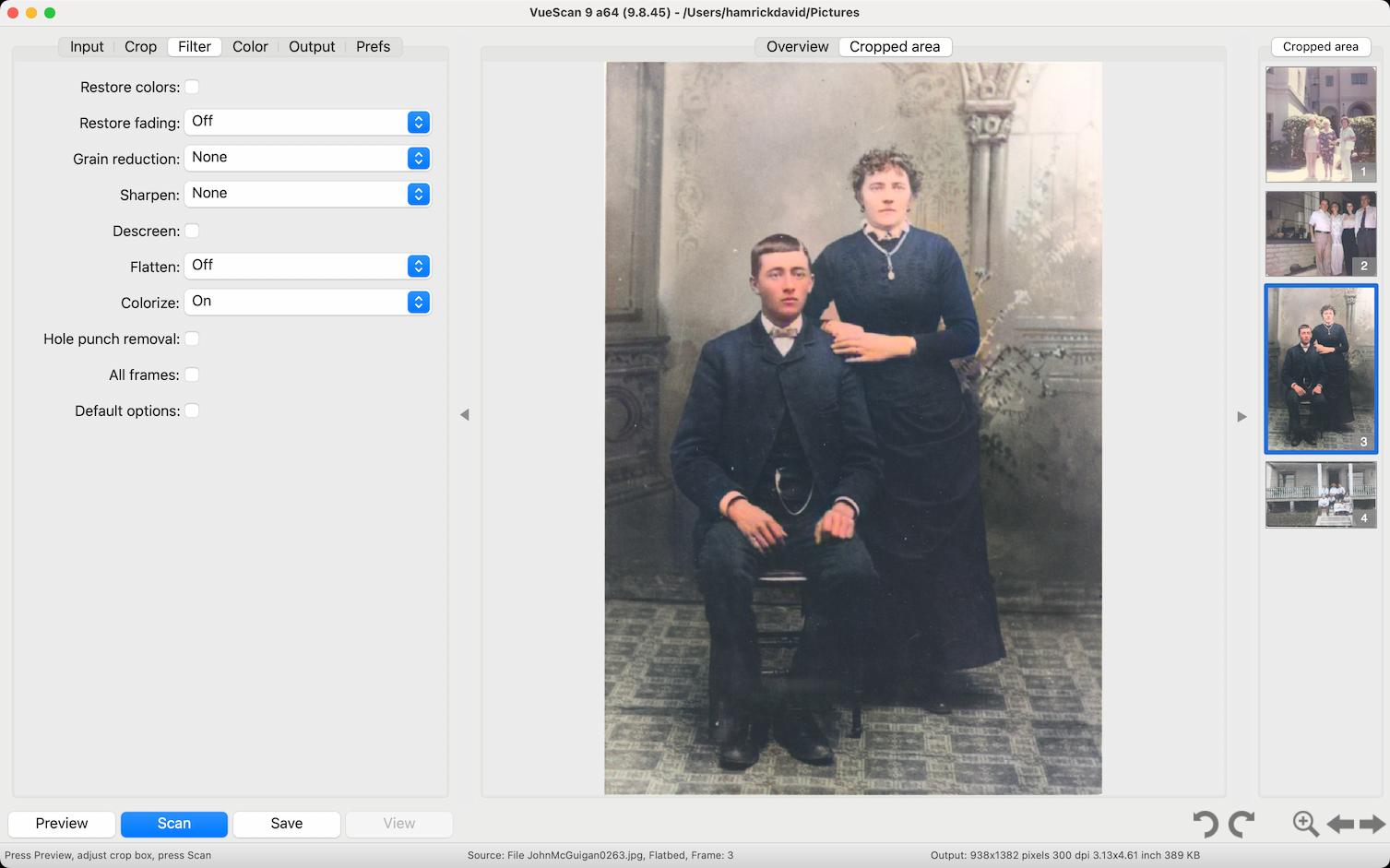
ScanSpeeder is a paid app for scanning photo prints quickly. Put several photos on the flatbed and it splits them into separate, straightened files.
VueScan does the same with its Multi crop option, and covers the rest of what people scan. It includes its own drivers for over 8000 scanners, so it works when your scanner has no driver for your system, and it scans negatives, slides and documents as well as prints.
VueScan vs ScanSpeeder
| ScanSpeeder | VueScan | |
|---|---|---|
| Price | Paid | Free to try. A license removes the trial watermark |
| Platforms | Windows and macOS | Windows, macOS and Linux |
| Scanner support | Uses your scanner's existing driver | Built-in drivers for over 8000 scanners from 42 manufacturers, including many with no current driver |
| Several photos on the flatbed | Yes, its main feature | Yes, Multi crop finds, straightens and saves each photo (Standard and Professional) |
| Film and slides | Not supported | Film profiles, film base color lock, infrared dust removal and raw DNG output (Professional) |
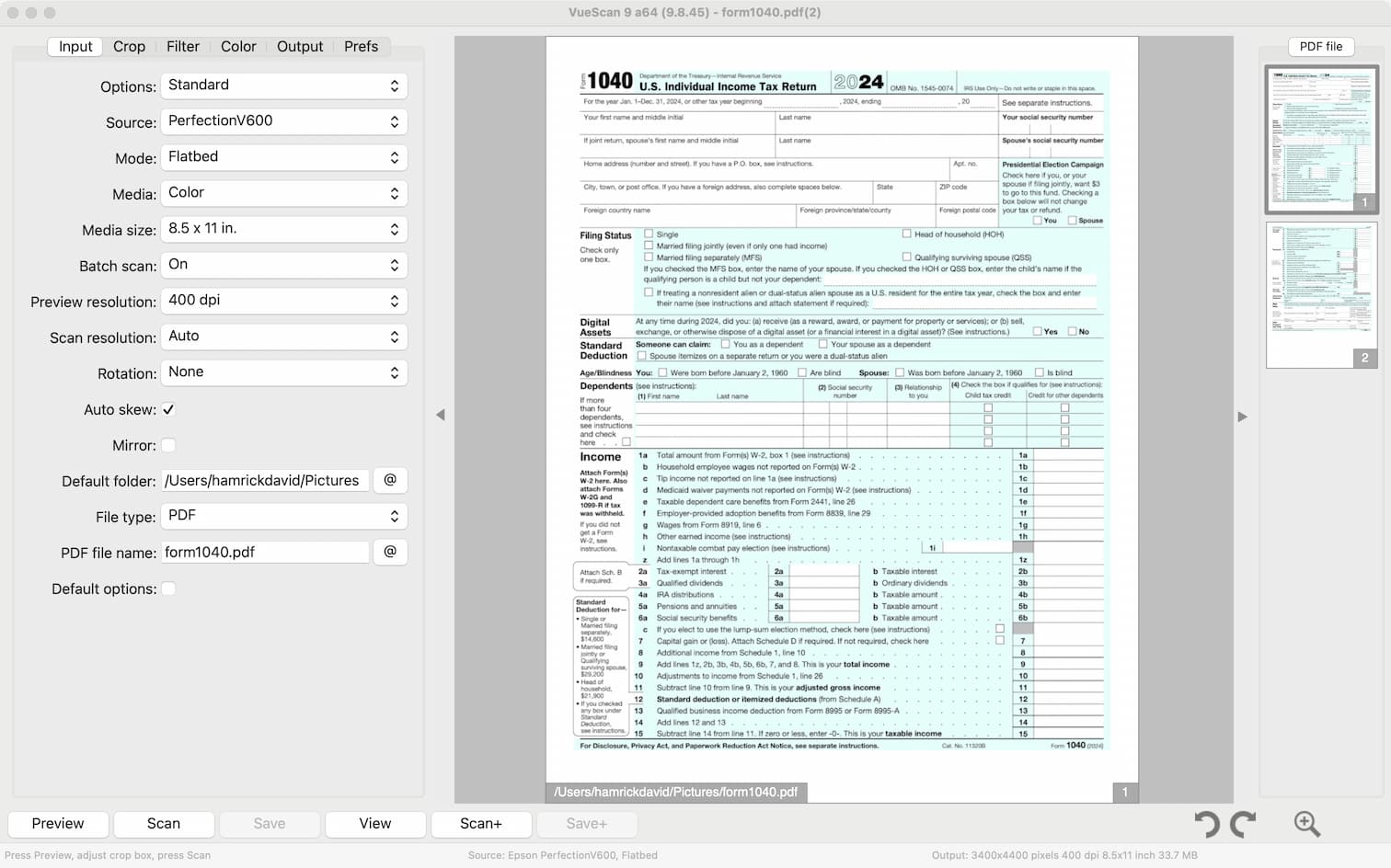
| Documents | Not designed for documents | Searchable PDFs, multi-page PDFs and document feeders (Standard and Professional) |
When ScanSpeeder is enough
- Your scanner has a working driver for your system
- You only scan photo prints
When VueScan is the better choice
- Your scanner has no driver for your version of Windows or macOS
- You also have negatives or slides to scan
- You scan documents as well as photos
- You use Linux, or a mix of Windows, macOS and Linux
Trusted by over 1,000,000 customers across the globe including





Frequently asked questions
How does VueScan scan several photos at once? +
Place the photos on the flatbed with some space between them and turn on Multi crop. VueScan finds each photo, straightens it and saves it as its own file. Multi crop is in the Standard and Professional Editions.
Can I scan negatives and slides too? +
Yes, with the Professional Edition and a scanner that can scan film, such as a flatbed with a transparency unit or a dedicated film scanner.
Will VueScan work with the scanner I use with ScanSpeeder? +
Probably. VueScan supports over 8000 scanners from 42 manufacturers, and it doesn’t need your scanner’s driver to be installed. check whether your scanner is supported.
Every day thousands of people download VueScan to fix their old scanner
Now it's your turn to bring your scanner back to life - and keep it out of the landfill