PaperPort Alternative
Keep scanning documents after PaperPort
VueScan scans multi-page and searchable PDFs, with built-in drivers for over 8000 scanners on Windows, macOS and Linux.
VueScan 9.8.59 · September 26, 2026 · macOS 10.13–macOS 27 Universal Download VueScan for other operating systems or older versions
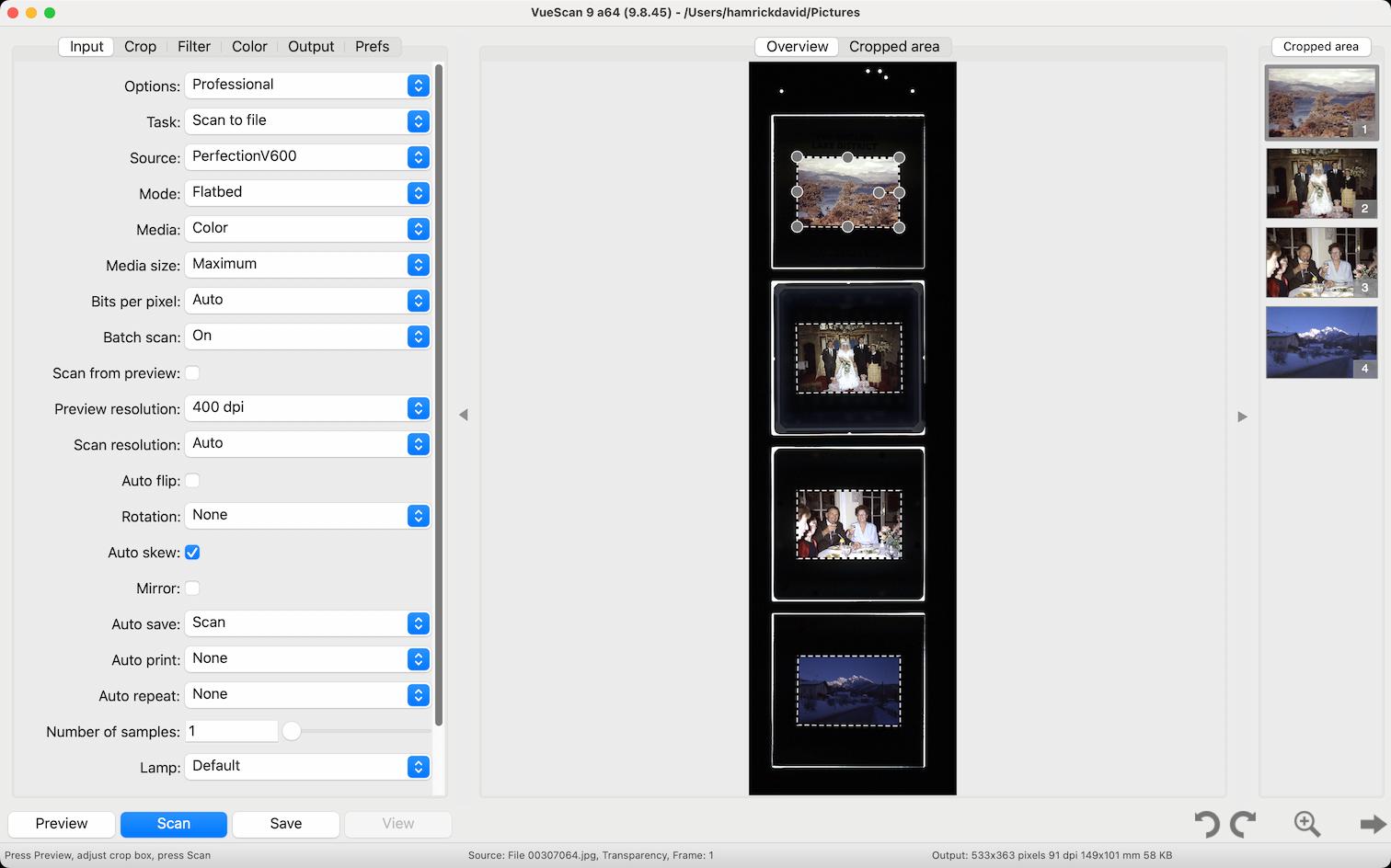
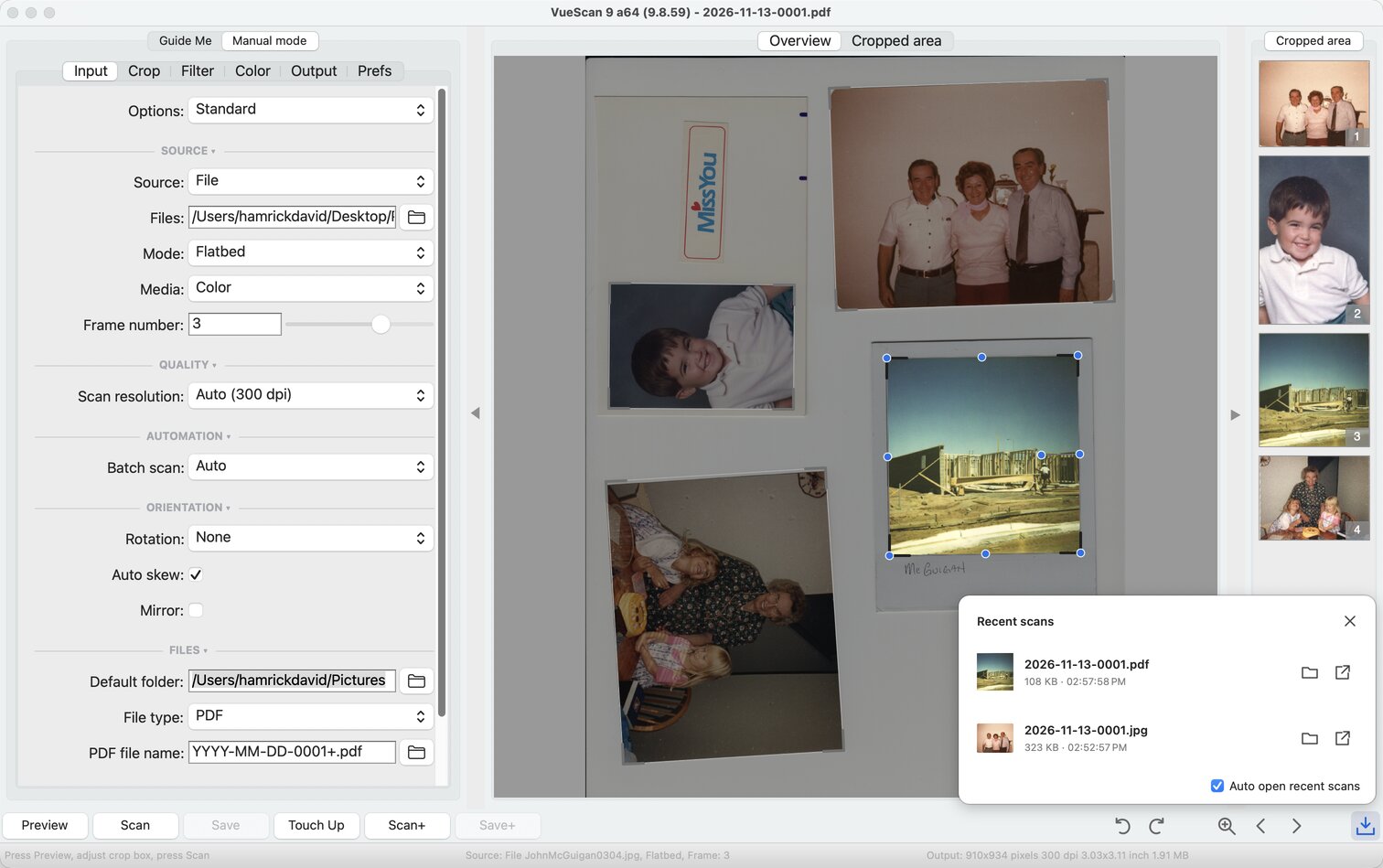
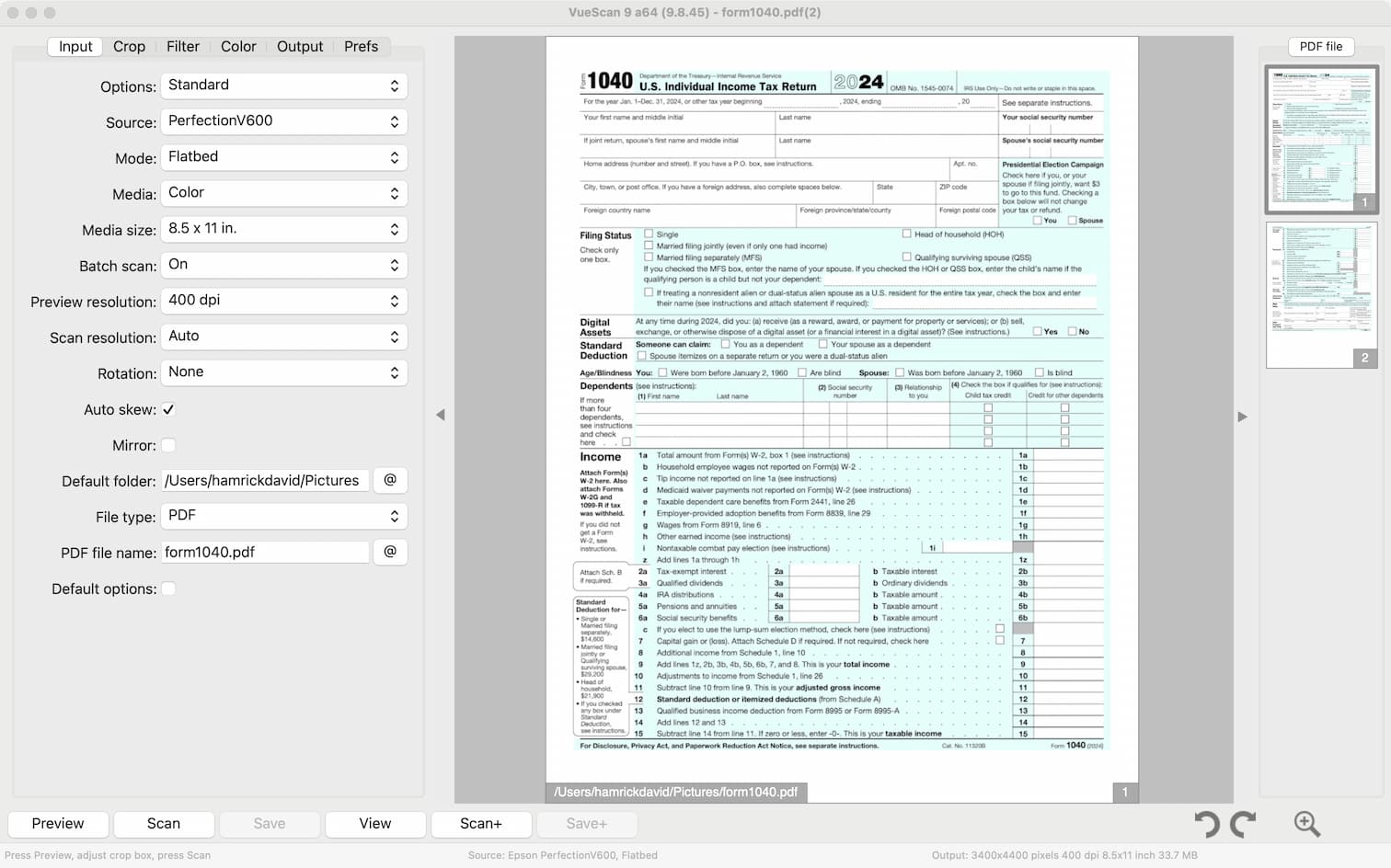
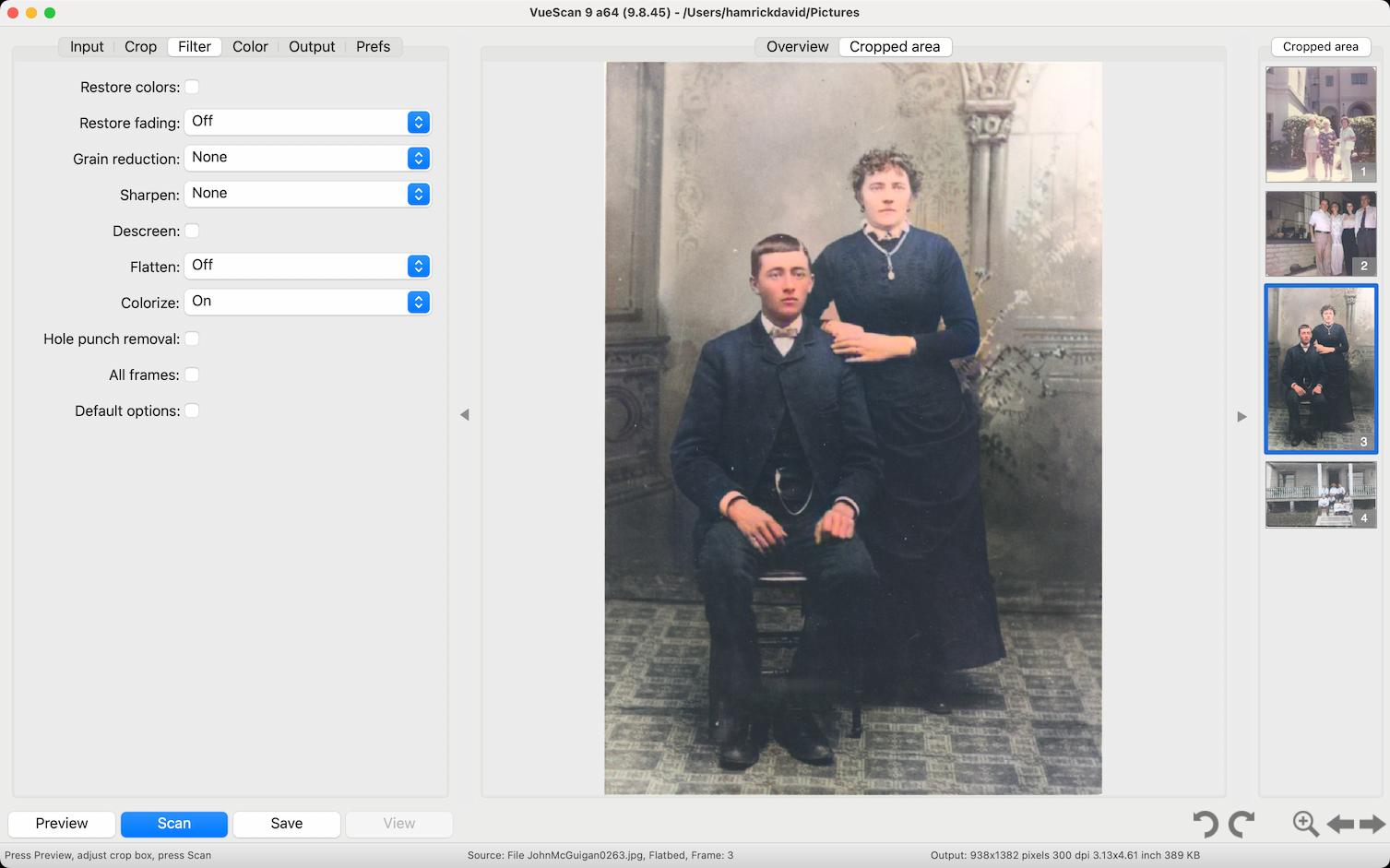
PaperPort was a popular Windows app for scanning and organizing documents, and it came bundled with many scanners. It’s no longer sold or updated, and many people find it no longer works with their scanner or their version of Windows.
VueScan covers the scanning side of what PaperPort did. It scans multi-page documents, creates searchable PDFs and works with document feeders. It isn’t a document organizer, so your files stay in folders or the document app of your choice. VueScan includes built-in drivers for over 8000 scanners and runs on Windows, macOS and Linux.
VueScan vs PaperPort
| PaperPort | VueScan | |
|---|---|---|
| Availability | No longer sold or updated | Regularly updated |
| Platforms | Windows only | Windows, macOS and Linux |
| Scanner support | Uses your scanner's TWAIN or WIA driver | Built-in drivers for over 8000 scanners from 42 manufacturers, including many with no current driver |
| Multi-page PDF | Yes | Yes (Standard and Professional) |
| Searchable PDF (OCR) | Yes | Yes (Standard and Professional) |
| Document feeders | Yes, if the driver supports it | Yes (Standard and Professional) |
| Organizing documents | Desktop for browsing, stacking and annotating documents | Saves your scans to the folder you choose, to organize with any app |
When PaperPort is enough
- Your copy of PaperPort still runs on your version of Windows
- You rely on its document desktop for organizing and annotating files
When VueScan is the better choice
- PaperPort no longer works on your computer, or with your scanner
- Your scanner has no driver for your current version of Windows
- You use a Mac or Linux
- You mainly need to scan paper into searchable, multi-page PDFs
Trusted by over 1,000,000 customers across the globe including





Frequently asked questions
Is PaperPort still available? +
No. PaperPort is no longer sold or updated, so it isn’t being fixed for new versions of Windows or new scanners.
Can VueScan replace PaperPort's document desktop? +
No. VueScan is scanning software. It saves your scans as PDF, TIFF or JPEG files in the folder you choose, and you can organize them with File Explorer, Finder or any document app you like.
How do I scan a multi-page document into one PDF? +
Load the pages in your scanner’s document feeder, or scan them one at a time on the flatbed using the Scan + button, then press Save. Multi-page PDFs need the Standard or Professional Edition. See how to scan a multi-page PDF.
Will VueScan work with the scanner I used with PaperPort? +
Probably. VueScan supports over 8000 scanners from 42 manufacturers, including many document scanners and all-in-ones from Brother, Canon, Epson, Fujitsu and HP. Search the list of supported scanners to check your model.
Every day thousands of people download VueScan to fix their old scanner
Now it's your turn to bring your scanner back to life - and keep it out of the landfill